


Enter Portal
Institutional clarity for ambitious students and the teams guiding them.
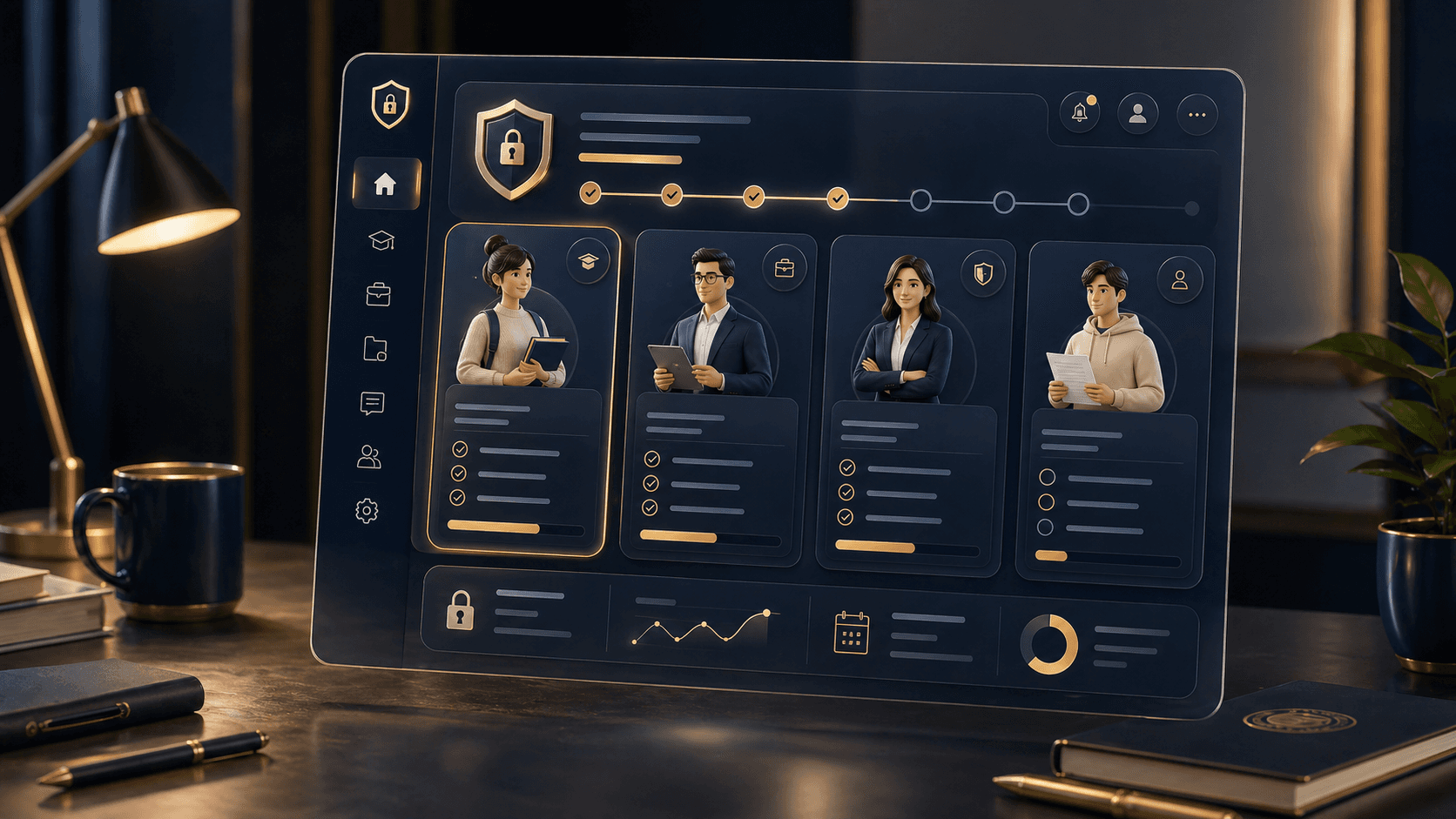
Lumière Higher-Ed Pathways pairs a premium front door with a disciplined operational workspace for re-entry, degree progression, advising, documents, approvals, and academic communication.
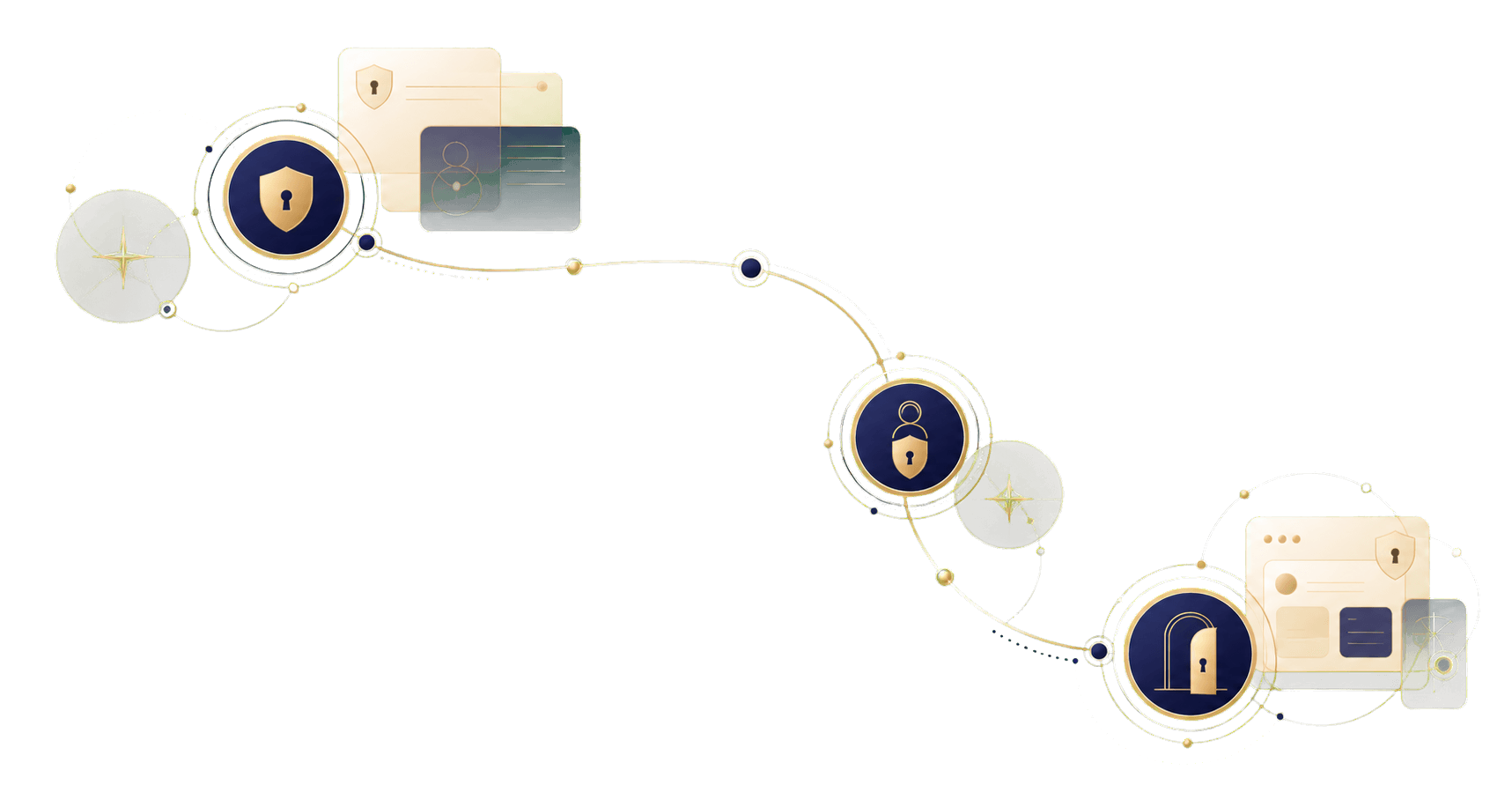
One secure entrance, then the right workspace.
Sign in securely
Students, staff, and administrators enter through the same protected access point.
Land in the right workspace
The portal routes each user to the correct student, staff, or admin operating shell.
Continue the degree plan
Progress, advising tasks, documents, approvals, and next steps stay organized in one place.
Ready when the student is.
The portal stays quiet until credentials are confirmed, then opens the correct workspace for the student, staff member, or admin.
Continue to Sign In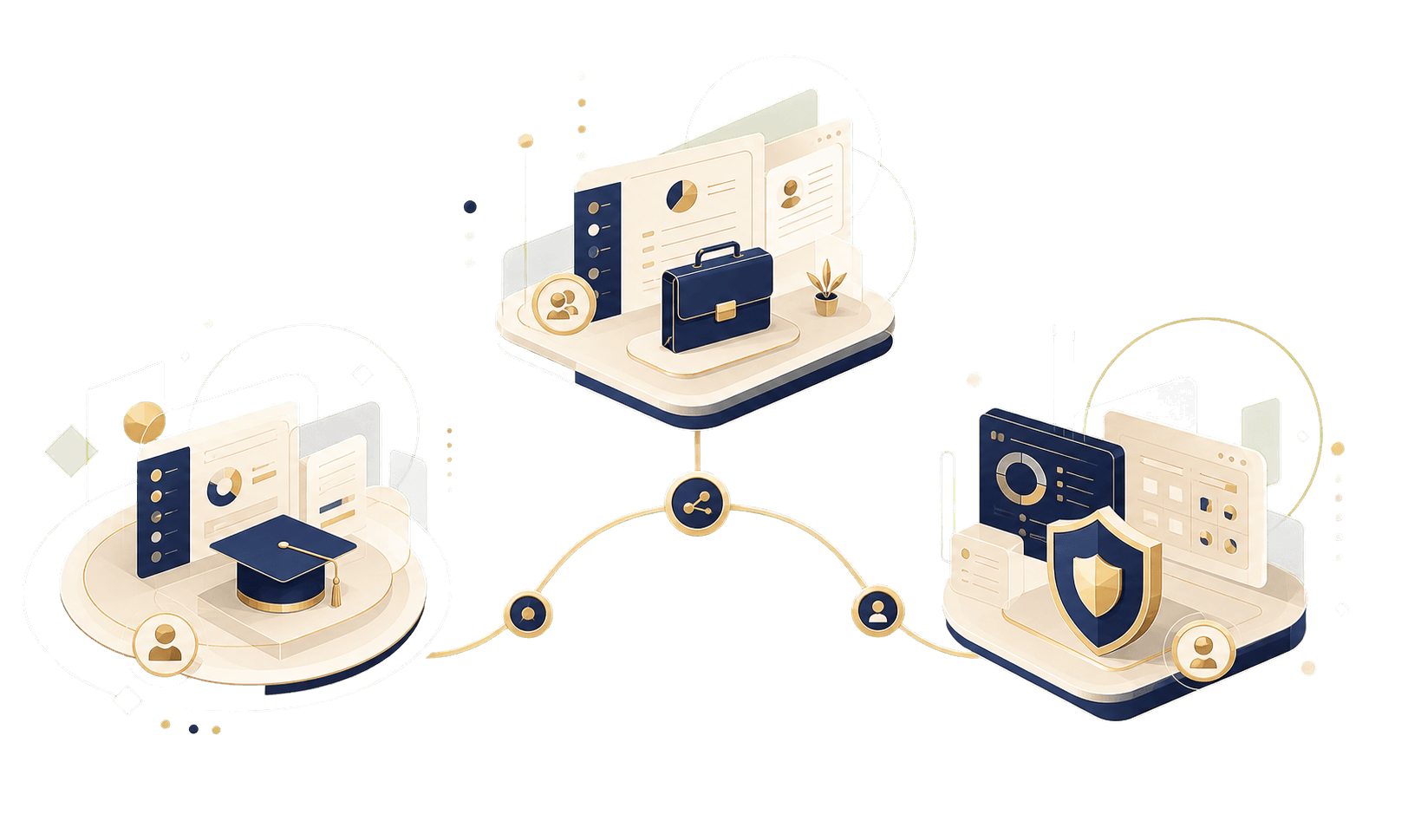
Student, staff, and admin workspaces under one theme.
The portal front door stays polished, but each protected area remains built for daily operations and role-specific tasks.
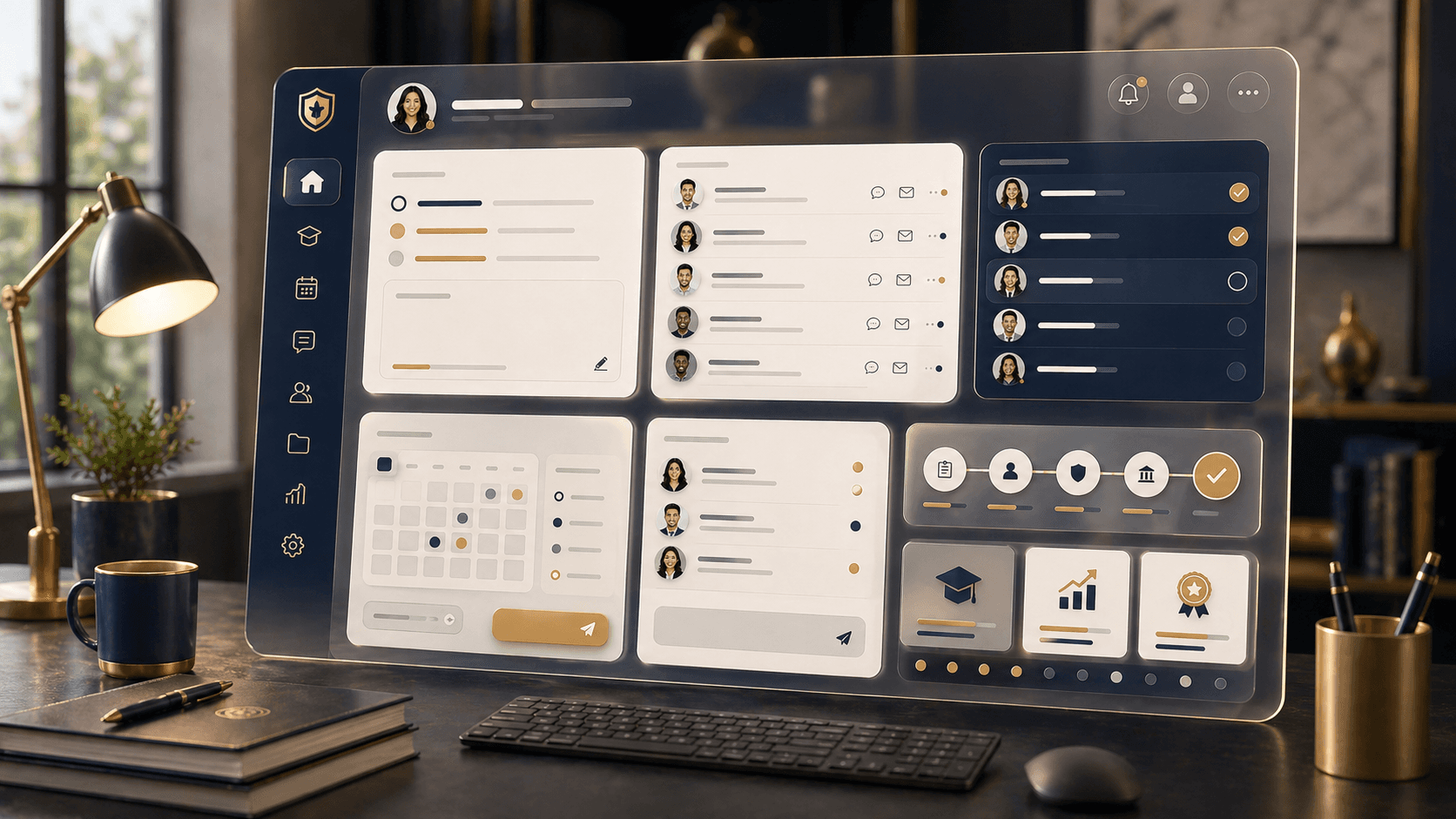
Student Guidance
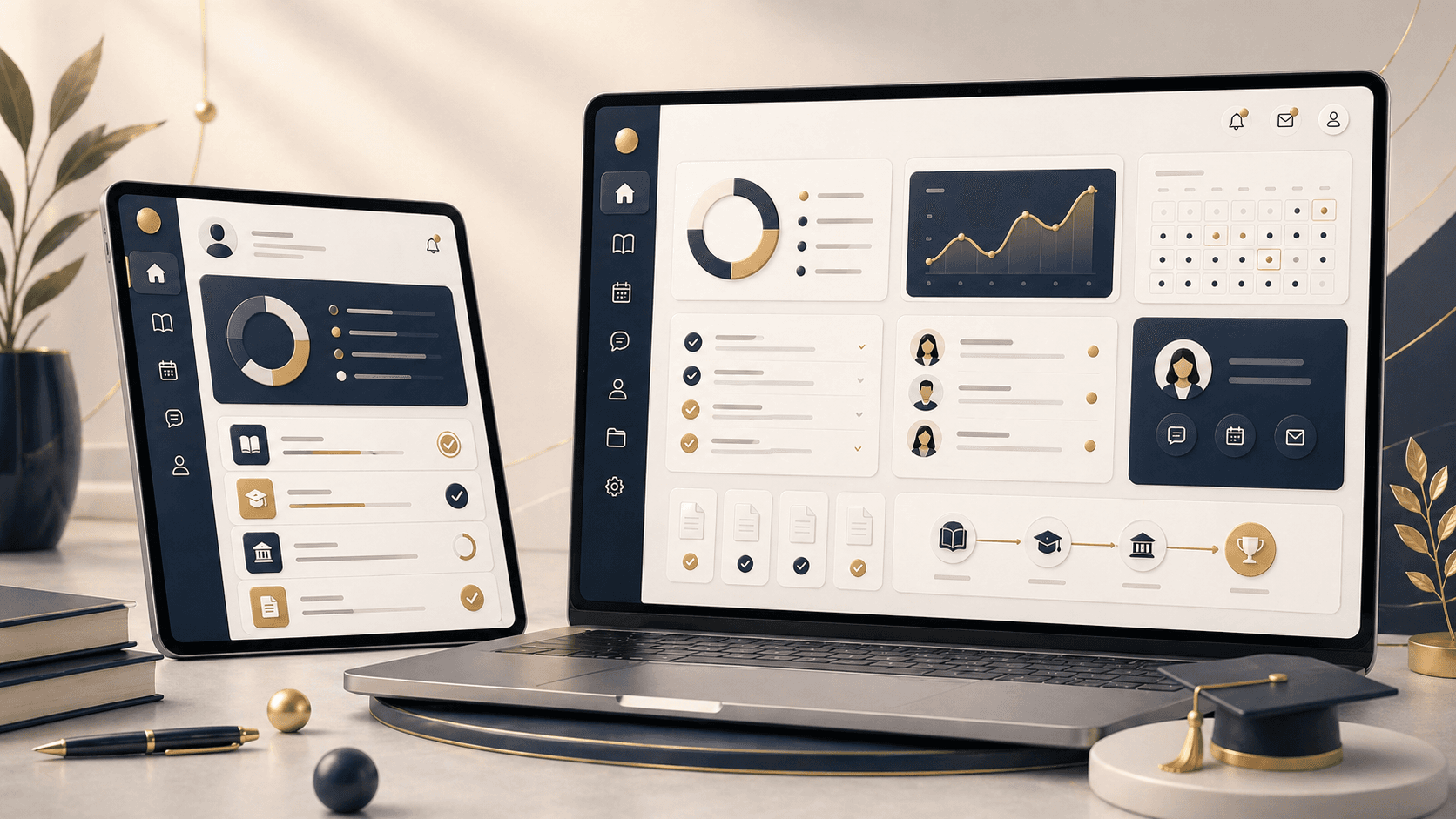
A focused student home for coursework, schedule, grades, invoices, documents, advising, requests, messages, and academic research.
Staff Workflow
A calm staff console for advising notes, attendance, planner publishing, feedback, tickets, messages, classes, and grade entry.
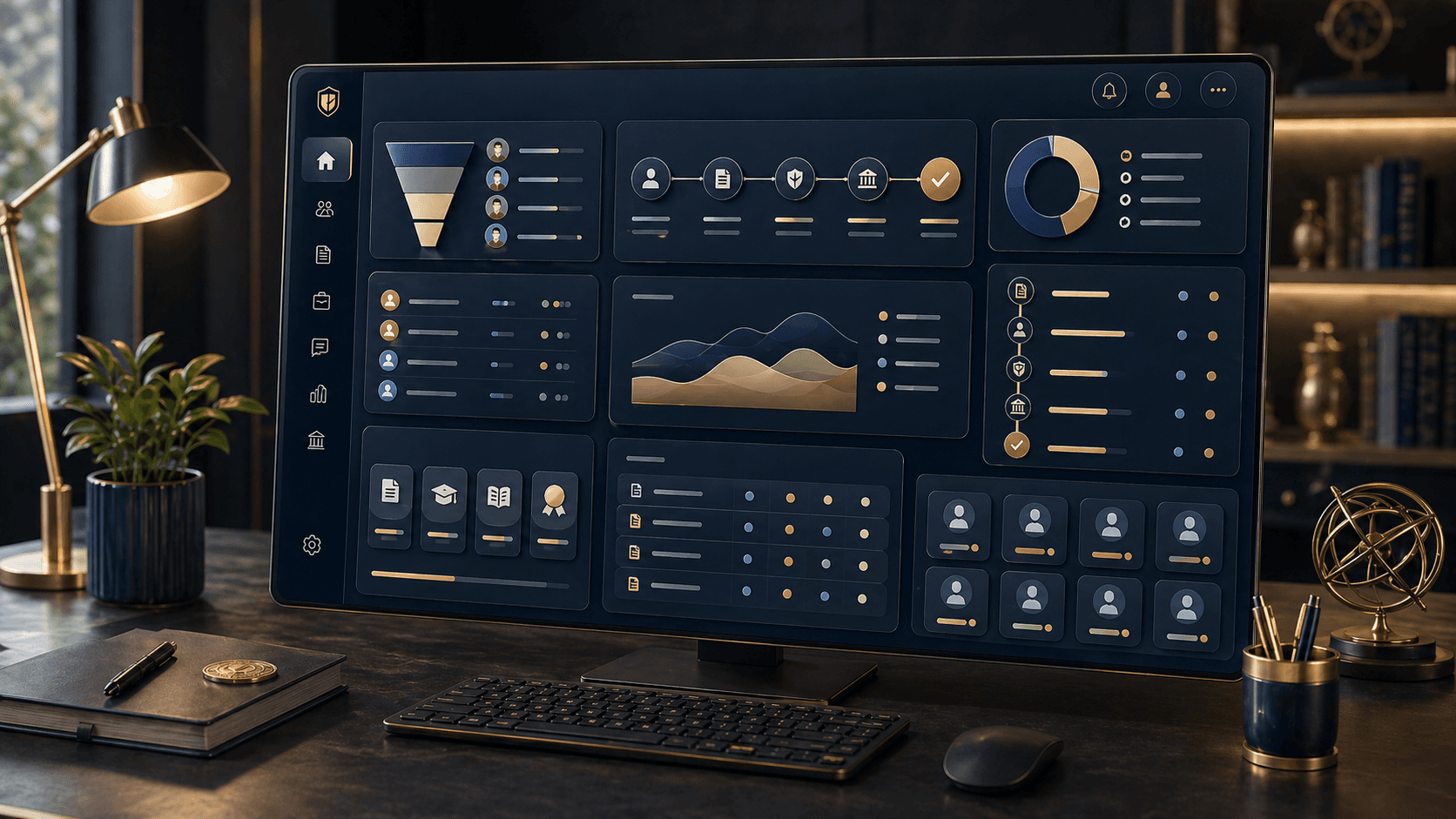
Administrative Command
An operating layer for admissions, applicants, course credit data, approvals, reports, finance, audit, settings, users, and communications.

Premium at first contact, practical in daily use.
The theme is now an app-level polish layer, while the existing portal continues to own authentication, permissions, data, and workflow behavior.
Role-Aware Navigation
Each user enters a workspace with the right routes, current work, and permission-aware next actions.
Premium Shell
The public entry, auth flow, and protected portal now share the same Lumiere navy, gold, cream, and editorial typography.
Connected Workflows
Attendance, documents, payments, approvals, notifications, messages, and exports remain wired to the existing portal APIs.
Enter the workspace.
Sign in with student, staff, applicant, or admin credentials and move directly into the rebuilt shell with the original portal functionality still wired underneath.